Musician's Little Helper.
A versatile companion for you hardware instruments.
How It Works
Concept

Separate Track Output
Cross-platform application that enables separate track output on devices that only have a single stereo out.
Sequential Recording
A recording assistant that sequentially records each of your tracks, latency corrected, including MIDI.
Multiple Workbenches
Multiple workbenches for stem export, auto sampling, live performance and post processing.
Features
Workbenches
Bridging the gap between hardware and your DAW as a versatile multitool.
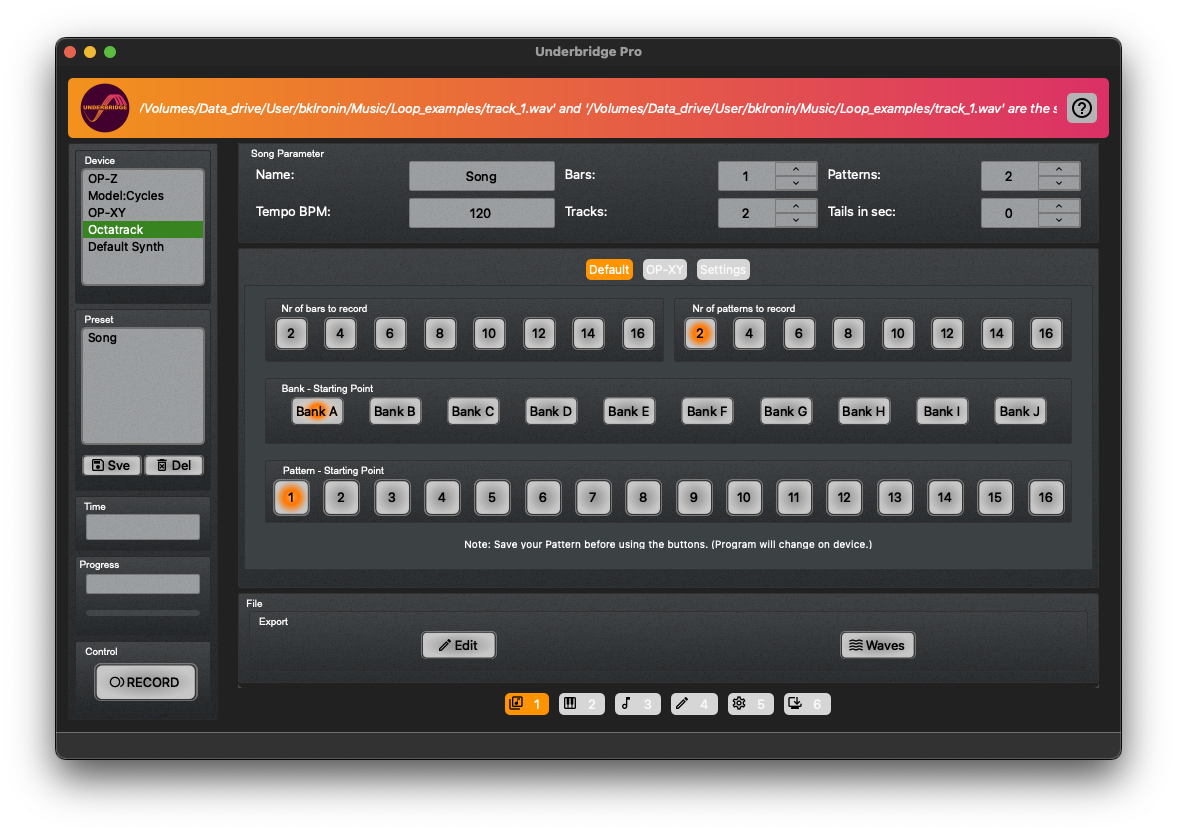
Multitrack
Record each track separately from your hardware synth, latency-corrected and ready for your DAW.
Overview
- Automatically record projects consisting of multiple patterns
- Use the device's stereo USB-audio or any channel on your audio-interface
- Optionally record MIDI tracks in parallel
- Latency-corrected recordings with automatic base detection
- Saved presets per device, including audio setup
Details
- Touch device friendly with quick access buttons
- Bank and pattern selection directly in GUI
- Recording status and time remaining display
- Export to files or internal editor
Supported Devices
Multitrack works with the following hardware
OP-Z
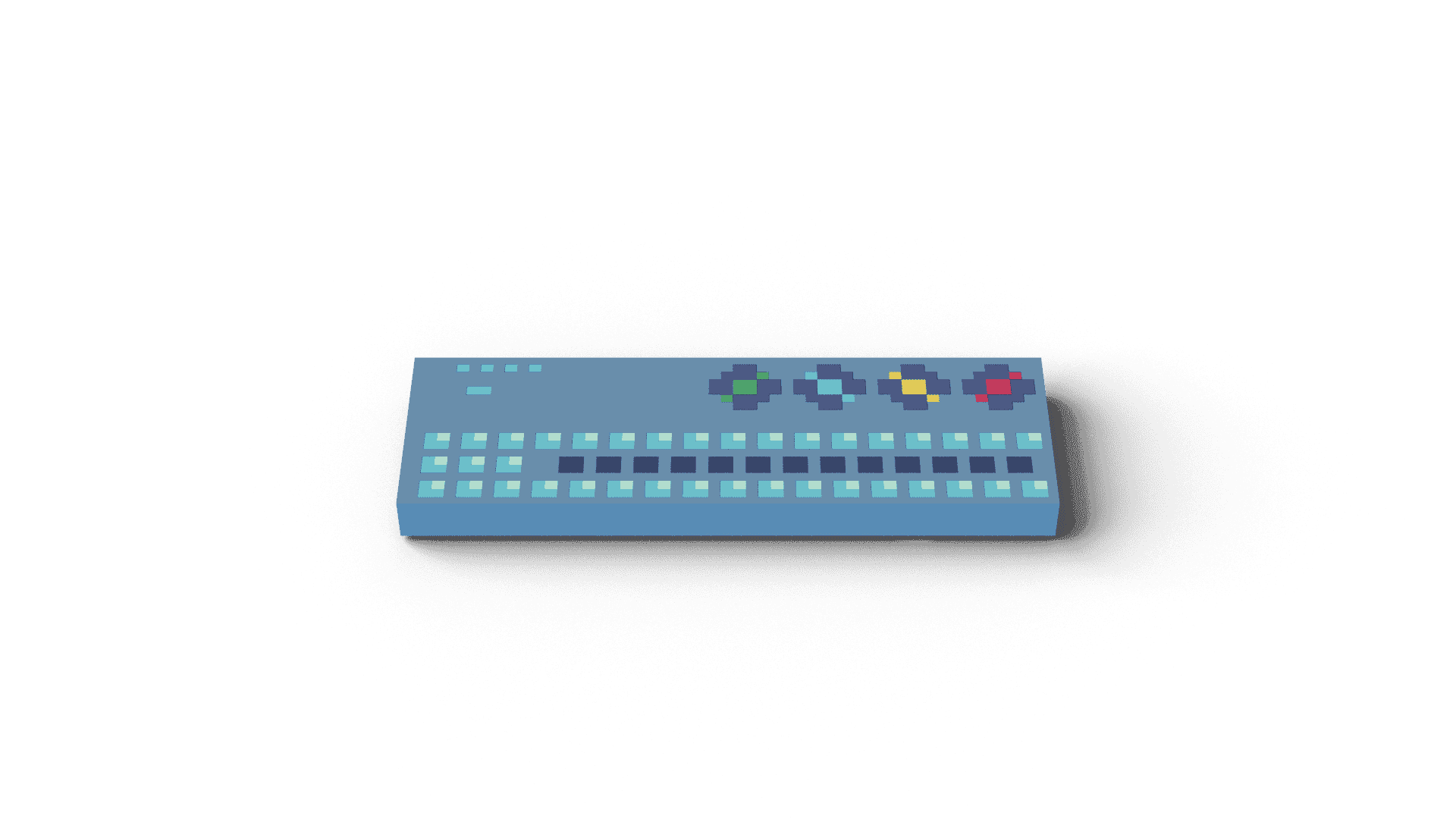
- Record eight separate wave tracks and MIDI files
- Single or multiple patterns in project mode
- Disable any MIDI or audio effect tracks for recording
Model: Series
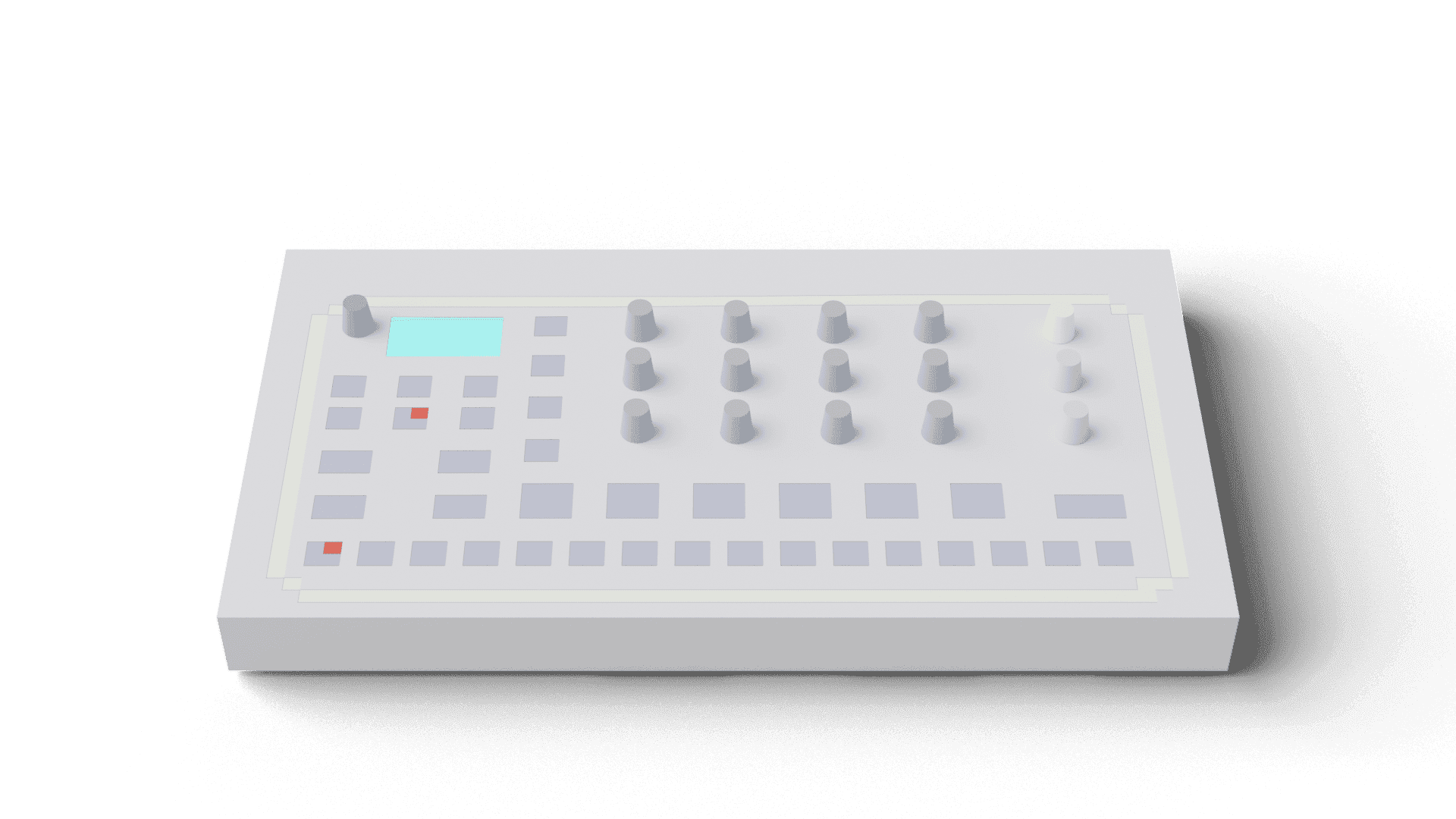
- Record six separate wave tracks and MIDI files
- Single or multiple patterns in project mode
- Select patterns remotely via GUI
Octatrack
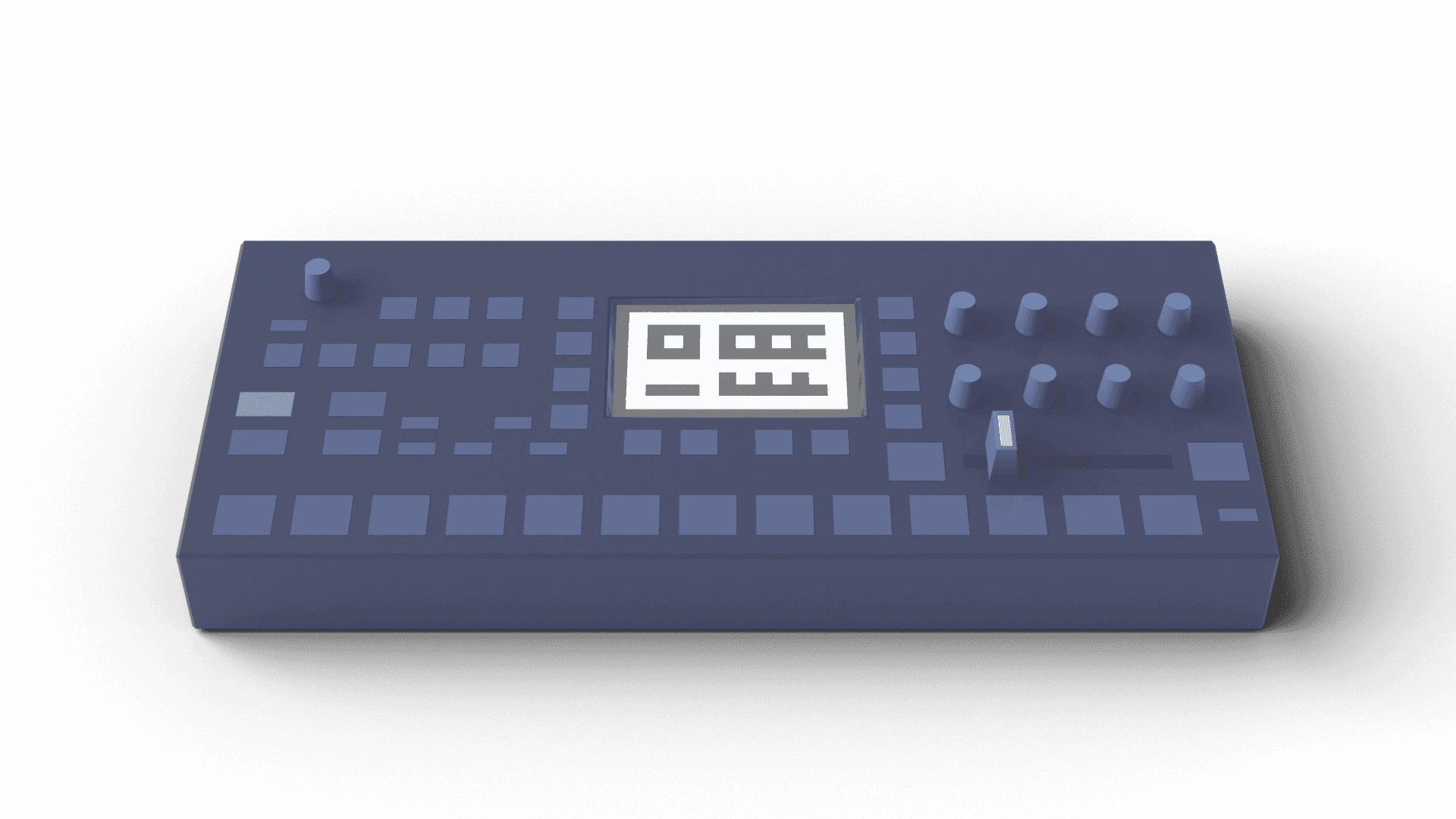
- Record eight separate wave tracks and MIDI files
- Single or multiple patterns in project mode
- Select patterns remotely via GUI
Community
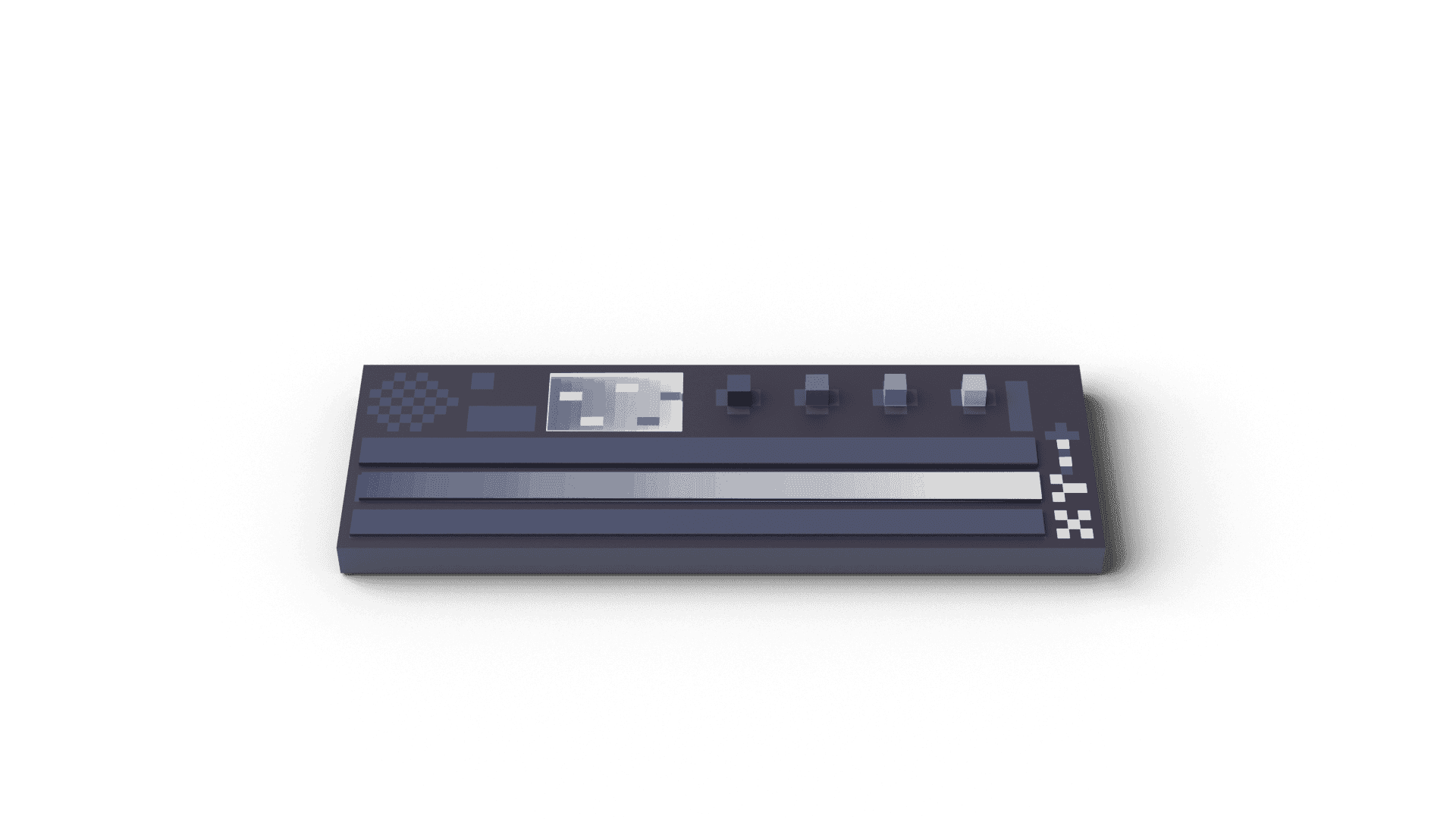
- Devices implemented with community feedback
- Requires CC mute command and program-change for pattern-based devices
- Multi-sampling works for most MIDI-based synthesizers
- OP-XY, TE EP-133 KO II, Microfreak, Cat
Experimental
Test preset for OP-XY included.
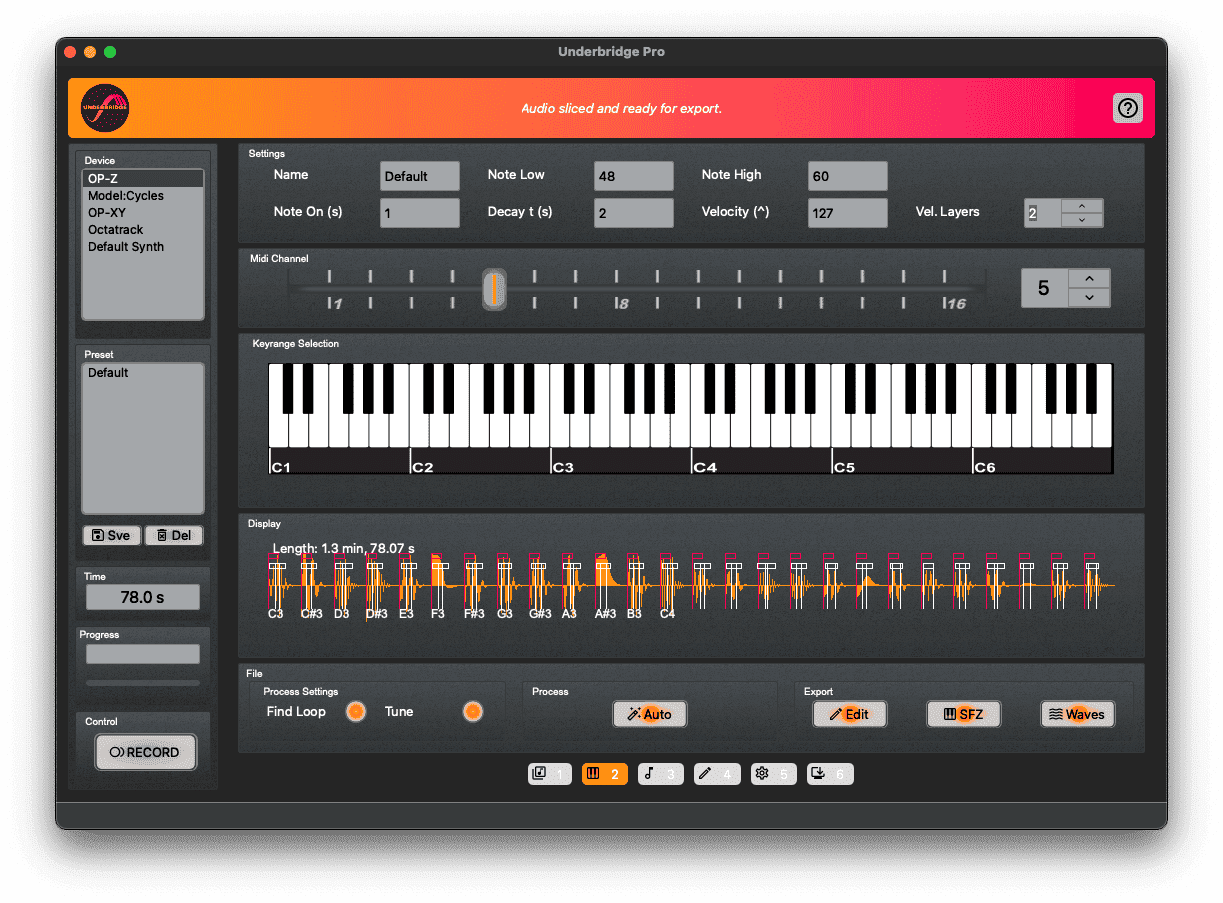
Autosampler
Transform your analog synths and Eurorack patches into multi-sampled instruments automatically.
Overview
- Record presets into multi-sampled instruments
- Export to sliced waves or SFZ sampler format
- Up to four layers of velocity per note
- Autoslicing with onset detection for ideal note starts
- Automatic loop detection and tune correction
Details
- Send results to internal editor for adjustments
- Per-device preset settings with time display
- Adjustable decay time per note
- Works with any MIDI-receiving synthesizer
Live
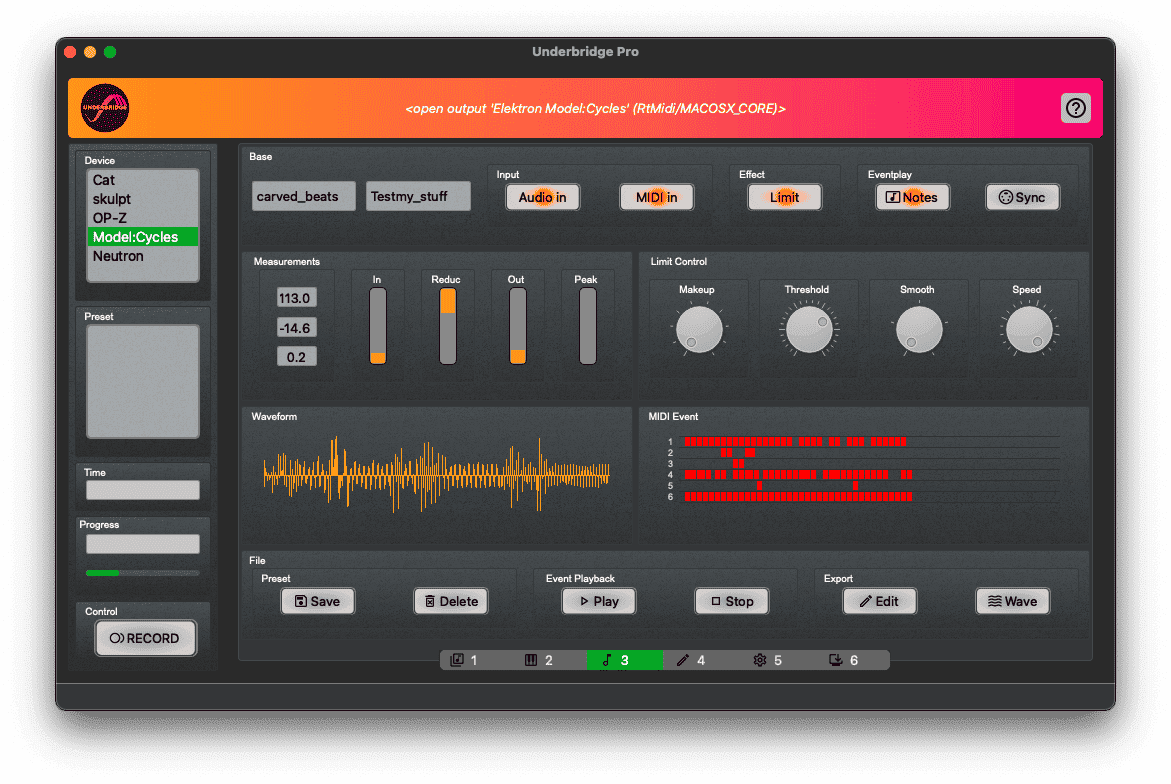
Capture live performances with full MIDI tracking, pattern changes, and control movements.
Overview
- Record live performances in stereo wave and MIDI
- Tempo-synced editable MIDI with all channels
- Integrated soft limiter for even loudness levels
- Multiple takes saved before export
Details
- MIDI note display with controller movement
- Detailed I/O levels with peak warning
- Not limited to specific devices
Editor
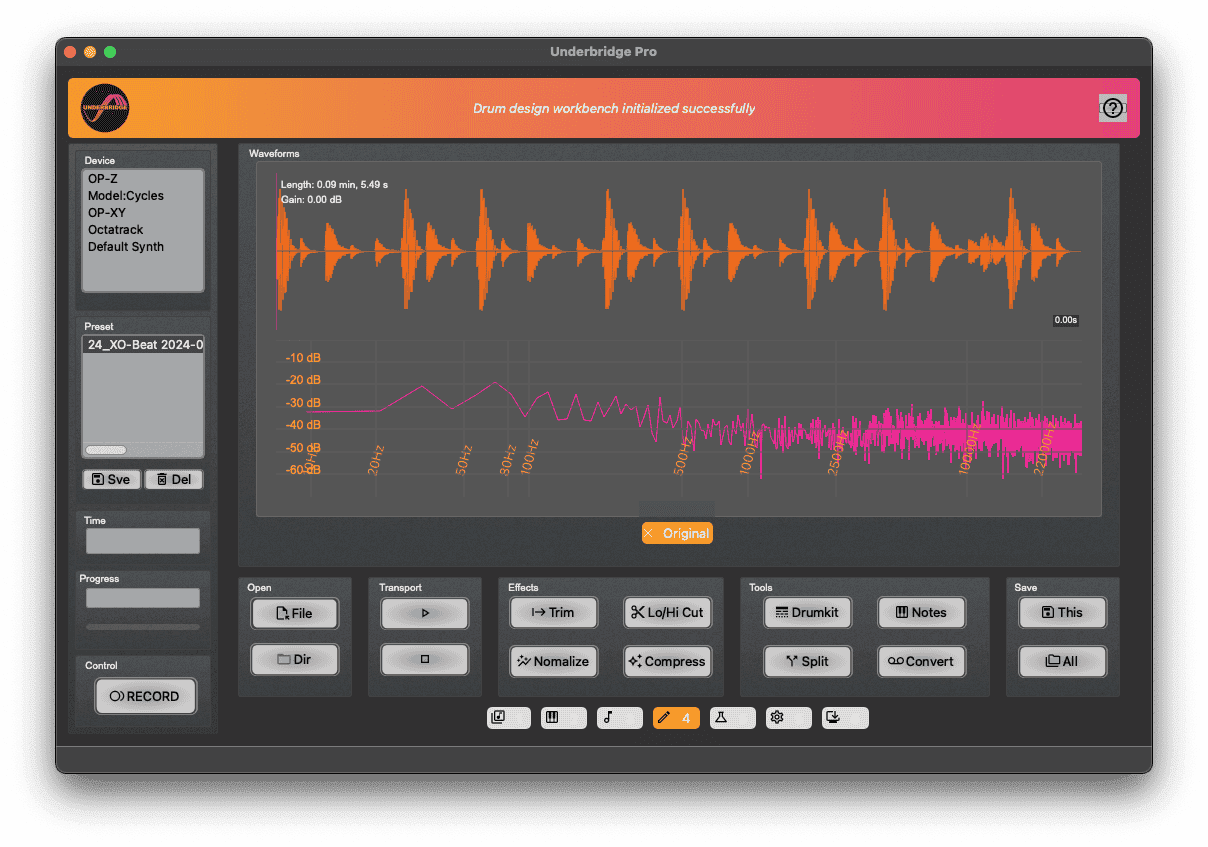
Analyze, shape, and transform your audio with a comprehensive set of editing tools.
Overview
- Analyze with waveform and spectrum view
- Shape with normalization, EQ, compressor and trim
- Extract via Drum Slicer for kit creation
- Separate harmonic from percussive content
- Convert to hardware sampler formats
- Detect notes and chords
Details
- Non-destructive workflow — all steps preserved
- Multiple export formats: wave, sliced, aif, SFZ
- File-based and device independent

Drum Recycler
Decompose old drum samples and fuse them into entirely new sounds.
Overview
- Decompose old drum samples into "Hit" and "Tone" elements
- Fuse harvested elements into new drums
- Sculpt your drums with specialized effect chains.
- Build your library.
Details
- Combine acoustic and synthesized drums without interference
- Automatic level adjustment during decomposition
- Automatic sample audio characteristic matching
Support
Resources
3D-Printed Hardcase
Free protective case for your OP-Z. Click to preview.
Available in the download section.
Choose Your Edition
Get Underbridge
Professional multitrack and stem export tools for Teenage Engineering OP-Z, Model:Series and Elektron Octatrack.
Underbridge Pro 2
Full-featured multitrack and stem export for OP-Z, Model:Series and Octatrack. Includes Autosampler, Editor, Live and Drum Recycler.
Buy Now
- All devices: OP-Z, Model:Samples, Model:Cycles, Octatrack
- Autosampler, Editor, Live & Drum Recycler
- macOS, Windows, Linux support
- 10 activations · 30-day money-back guarantee
- Free updates within 2.x series
System Requirements
macOS 15 Sequoia / 14 Sonoma (Apple Silicon arm64)
macOS 13 Ventura (Intel) — limited support
Ubuntu, Arch Linux
Windows 10, 11
Minimum: Intel i5-2520M, 4GB RAM, USB port
Licensing & Activation
Online activation required
10 activations per user (more available on request)
30-day money-back guarantee
Underbridge Light
Essential multitrack export for OP-Z. Open-source under GPL v3 — download and use at no cost.
Download
- OP-Z multitrack export
- macOS, Windows, Linux support
- Open source (GPL v3)
- No activation required
System Requirements
macOS 15 Sequoia / 14 Sonoma (Apple Silicon arm64)
Ubuntu, Arch Linux
Windows 7, 10, 11
Minimum: Intel i5-2520M, 4GB RAM, USB port